Smart Comfort Without a Drill
Welcome, renters and movers, to a friendly guide focused on no‑drill, low‑cost home automation that respects deposits and landlord rules while still delivering delight. We’ll explore stick‑on sensors, plug‑in magic, and budget‑wise upgrades that travel easily when you do. Expect practical checklists, candid lessons from compact apartments, and real routines you can copy today. Share your constraints in the comments, subscribe for fresh apartment‑friendly ideas, and let’s build comfort, safety, and style without holes, hassles, or heavy spending.
Choosing the Right Platform
Pick an ecosystem that fits your phone, voice assistant, and privacy comfort level. Matter and Thread help devices work locally, even when internet blips. Hub‑optional bulbs, sensors, and plugs reduce complexity. If you rent with roommates, use shared households and role permissions. Start small, avoid vendor lock‑in, and check whether your favorites support automations without monthly fees. Ask below about Alexa, Google Home, or Apple Home choices for your specific space.
Power Without Wires
Battery devices shine for renters, especially when they sip power through ultra‑low‑energy radios. Rechargeable AA or AAA cells keep costs predictable, while USB‑C chargers reduce clutter. Schedule routine checks so nothing dies during a heatwave or trip. Where possible, pick devices with power‑saving sleep modes, efficient motion detection, and clear battery indicators. Share your favorite battery brands or charging docks in the comments to help others stretch budgets responsibly.
Mounting That Respects Paint
Removable adhesive strips, low‑tack tapes, and magnetic plates become quiet heroes of apartment living. Clean surfaces with isopropyl alcohol, press firmly for recommended time, and respect cure periods to prevent falls. Use painter’s tape templates to align sensors precisely. Avoid textured walls if possible, and prefer door frames, metal surfaces, or furniture undersides. When moving out, warm adhesive with a hair dryer and pull tabs slowly to protect painted finishes and your deposit.
Lighting That Moves With You
Portable lighting upgrades deliver instant wins without touching wiring. Smart bulbs slip into existing lamps, light strips glow behind TVs with removable clips, and plug‑in dimmers tame floor lamps beautifully. Set circadian schedules to gently wake you, then transition toward warm, cozy evenings. BLE Mesh, Wi‑Fi, and Thread each have strengths; pick what suits your apartment size. Want personalized plans? Describe your lamps and windows below for quick, renter‑friendly lighting ideas.



Security Without Holes or Headaches
Entry Awareness, Zero Tools
Adhesive contact sensors on doors deliver instant alerts when opened, perfect for package timing, pet safety, or late‑night check‑ins. Pair with a chime automation instead of blaring sirens to stay neighbor‑friendly. Add a hallway motion sensor to quietly trigger a dim guide light. Set away mode for weekday work hours and vacation mode for trips. Describe your entrance layout below, and we’ll propose placements that avoid drafts, slams, and metal interference.

Cameras That Don’t Stake a Claim
Battery cameras on shelves or magnetic bases avoid holes entirely, while privacy shutters keep lenses covered when you’re home. Peephole cameras preserve doors and move easily with you. Use activity zones to ignore sidewalks and reduce notifications. Plug cameras into smart outlets to enforce off hours automatically. Store clips locally when possible to limit subscription costs. Share your bandwidth, lighting challenges, and landlord boundaries, and we’ll narrow choices to renter‑friendly, budget‑wise models.
Guests and Deliveries, Managed Kindly
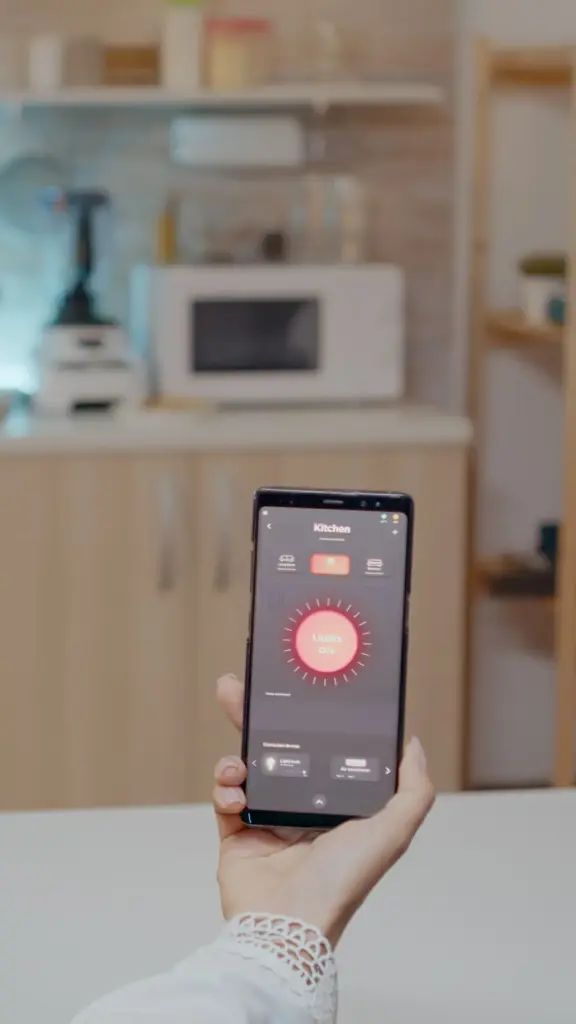
Retrofit locks, optional keypads with adhesive plates, and app‑based codes balance convenience with lease compliance. If hardware swaps are disallowed, combine a lock box approved by management with timed codes and camera snapshots. Automate a temporary light welcome scene for visitors. Keep meticulous records of permissions and revert settings after stays. Ask about your building’s policy, and we’ll outline respectful workflows that protect privacy, simplify access, and keep everyone comfortable and informed.
Comfort, Climate, and Lower Bills

Room‑Level Control, Safely
Use smart plugs with appliances that are explicitly rated for unattended cycling, avoiding any device that could pose a hazard. Fans, humidifiers, and dehumidifiers are excellent candidates. Combine temperature, humidity, and occupancy signals for nuanced rules. Keep cords tidy with removable clips, never under rugs. Test automations while home before trusting them nightly. Post your specific gear list below, and we’ll help confirm safe practices and energy‑saving targets for your exact space.
Taming Window AC and Mini‑Splits
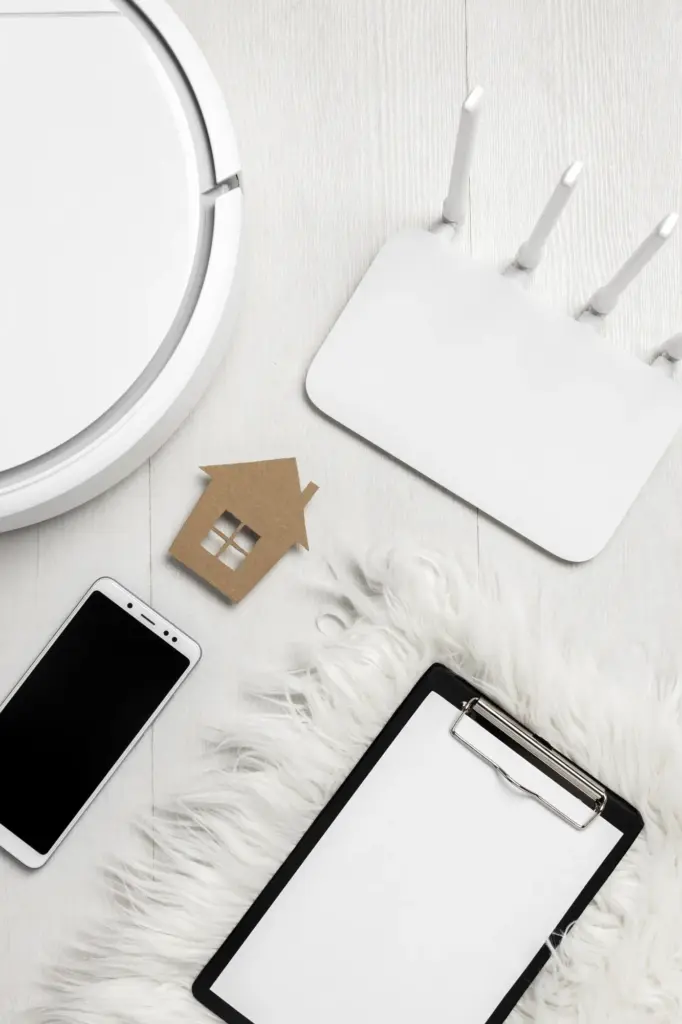
IR blasters mount with removable pads and act like a smart remote, sending cool, heat, or dry commands without touching wiring. Schedule pre‑cooling before arrival, and reduce at departure with geofencing or a door sensor. Use gentle overnight setpoints for deeper sleep. If signal paths fail, reposition with painter’s tape trials. Share your unit brand, room size, and comfort goals, and we’ll tune schedules that avoid spikes and lower monthly bills.

Tiny Sensors, Big Clues
Place stick‑on temperature and humidity sensors near sleeping areas, not in sun pockets. Create alerts for mold‑risk humidity, then trigger fans or dehumidifiers accordingly. Add a window contact sensor to pause AC when open. Track trends weekly and adjust scenes before seasonal changes. For bathrooms, enable a post‑shower timer to finish moisture removal quietly. Tell us your climate and building quirks, and we’ll recommend sensor placements that stay hidden yet effective.
A Starter Basket Under Fifty
Begin with a pair of smart plugs for lamps or fans, a single warm‑white bulb for bedside comfort, and a compact button for manual overrides. This kit unlocks wake, leave, and return routines instantly. Add a motion sensor when funds allow. Focus on brands with clear return policies and solid firmware updates. Share your marketplace finds below, and we’ll help check compatibility, reliability history, and easy return strategies before you commit.
Open‑Source, If You’re Curious
Consider free apps and open‑source platforms when you want flexibility and local control, reusing an old laptop, mini PC, or Raspberry Pi if available. Many integrations support Matter, Thread, Zigbee, or Wi‑Fi devices without recurring costs. Keep backup snapshots and label your QR codes. This route requires patience but rewards independence. Ask for a beginner‑friendly roadmap, and our community can suggest tutorials, starter dashboards, and confidence‑building automations you can deploy this weekend.
Smart Upgrades, Not Sunk Costs
Plan purchases with an exit strategy: keep boxes, save mounting pads, and document device resets. Choose products that work across ecosystems to survive phone changes and moves. Reuse gear in new rooms, or resell if needs shift. Maintain a master list of firmware versions, batteries, and accessories. When sales hit, prioritize items that expand existing routines. Tell us your next apartment goals, and we’ll propose upgrades that compound value without waste.
Voice, Apps, and Routines That Behave
Matter and Thread Simplify Moving
With Matter, devices pair using simple QR codes and often operate locally, reducing cloud delays. Thread expands reliable mesh coverage without installing extra routers. When relocating, reset networks, re‑commission devices, and rebuild rooms fast. Keep a labeled pouch for codes and tiny tools. If you mix platforms, Matter bridges help maintain sanity. Share your current gear list, and we’ll suggest a migration plan that avoids re‑buying and protects fragile automations.
Routines With Boundaries
Great routines include context: time, presence, brightness, and sleep status. Limit motion‑activated lights to dusk through midnight, with lower brightness late. Mute camera notifications when you’re home but escalate if doors open while away. Use do‑not‑disturb scenes for deep work. Keep manual buttons as respectful overrides. Describe a daily moment that annoys you, and we’ll co‑create a boundary‑aware routine that disappears into the background, saving time without surprising roommates or neighbors.
Accessibility, Dignity, Ease
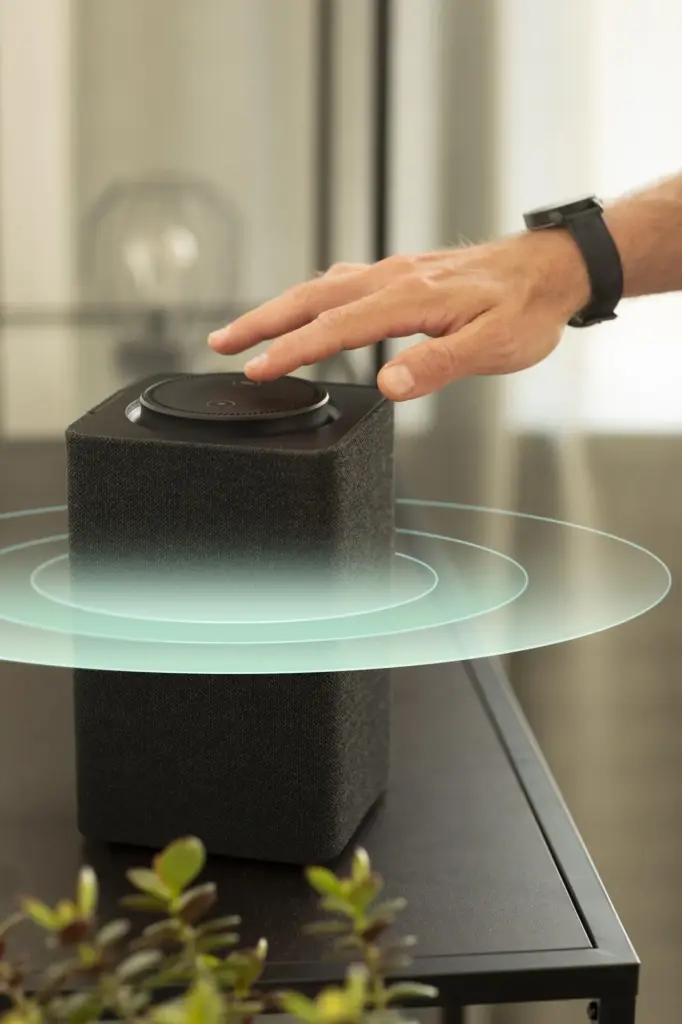
Hands‑free access can be transformative. Pair voice with clearly labeled buttons at reachable heights, and create dedicated scenes for mobility or neurodiversity needs. Use slow fades to prevent sensory overload and predictable chimes for reminders. Store emergency actions on a prominent button. Enable live captions for spoken responses where available. Share specific accessibility goals, and we’ll help tailor gentle, reliable interactions that enhance independence, privacy, and everyday calm without structural changes or new holes.
Pack, Reset, Rebuild: Moving Day Playbook
When it’s time to move, a little prep prevents chaos. Remove adhesive with gentle heat, coil cables with reusable ties, and group devices by room in labeled zipper bags. Factory‑reset items, photograph their QR codes, and export automation notes. Restore original bulbs and fixtures before walkthroughs. In your new place, reassemble the basics first: entry light, bedroom comfort, and coffee queue. Post your timeline below, and we’ll share a printable, renter‑safe checklist.
All Rights Reserved.