Brighter on a Budget: DIY Smart Lighting Upgrades Under $100
Ready to transform your rooms without draining your wallet? We’re diving into DIY smart lighting upgrades for under $100, showing how budget bulbs, strips, and plugs deliver voice control, automation, and mood-setting ambiance in one weekend, with renter‑friendly steps, clear safety tips, and engaging, real-world examples. Share your before‑and‑after photos and subscribe for fresh weekend ideas.
Map Your Makeover Before You Buy
Start by sketching where light actually matters: counters, desks, entryways, and bedsides. Decide which moments you want to improve—waking, cooking, reading, relaxing—and cap a firm budget ceiling. This planning round prevents impulse buys, reduces returns, and ensures every low-cost piece contributes measurable comfort, convenience, and long-term savings.
Budget Breakdown That Protects Joy
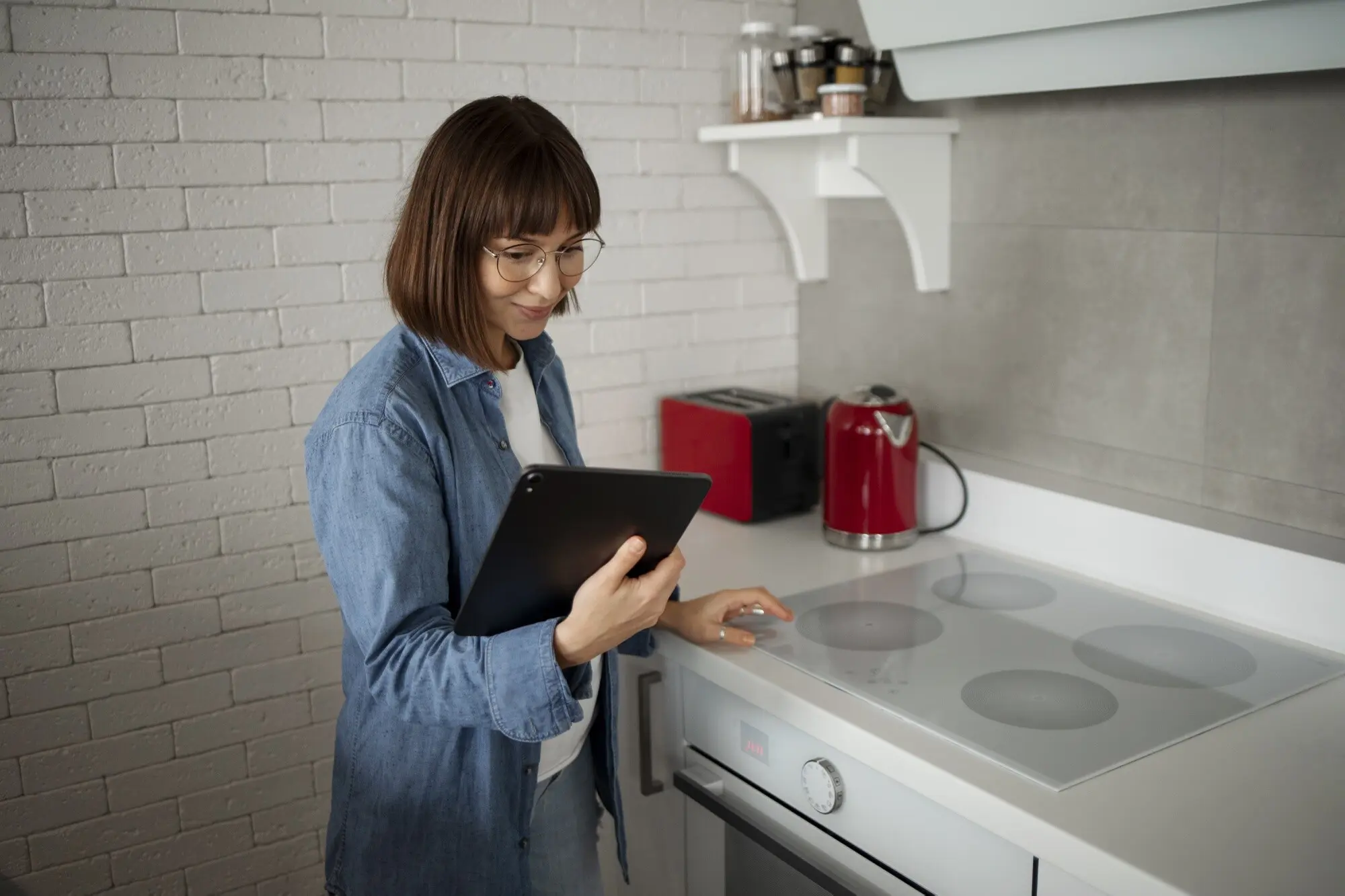
Allocate funds to hotspots first, not shiny distractions. One color-changing bulb near your reading chair may beat three forgettable gadgets. Track prices, stack coupons, and watch bundles. A single $20 plug can automate a lamp and diffuser, delivering surprising daily delight for pennies compared to monthly subscriptions.
Compatibility Check, Future Regrets Avoided
Confirm your Wi‑Fi and phone support everything you add. Prioritize Matter or solid cross‑platform options if possible, so upgrades migrate easily. Mixing ecosystems can work, but fragmentation steals time. A few minutes reading device support lists today prevents hours of frustrating resets and abandoned features tomorrow.
Choose One Corner to Win First
Momentum matters. Pick a single corner—like the kitchen counter or a bedside lamp—and create a visible, nightly improvement. Early wins motivate careful next purchases. If guests notice the change and ask questions, you nailed prioritization, avoided overspend, and earned confidence for tackling trickier installations later.
Clever Gear That Punches Above Its Price
Stretch each dollar by pairing versatile bulbs, reliable plugs, and thoughtfully placed LED strips. Look for frequent discounts, multipacks, and energy-starred options. Value grows when items serve multiple rooms over time. Aim for repairable, firmware-supported products instead of disposable novelties that fade fast and clutter drawers.
Bulbs vs. Plugs vs. Strips
Bulbs change color and temperature at the source, ideal for moods and focus. Plugs automate non-smart lamps, diffusers, and holiday lights instantly. Strips hide under cabinets or behind TVs, adding soft layers and visual drama. Combine them strategically; overlapping capabilities allow cheaper parts to cover premium experiences.
Think Ecosystem, Not Just Item
Consider whether your household leans on Alexa, Google Assistant, Siri, or a mix. Matter support simplifies multi-platform homes, yet mature Zigbee hubs often win for responsiveness. Pick a lane for daily convenience, then bridge later if needed using routines, virtual switches, and shared rooms to harmonize control.
Installation Made Calm, Quick, and Safe
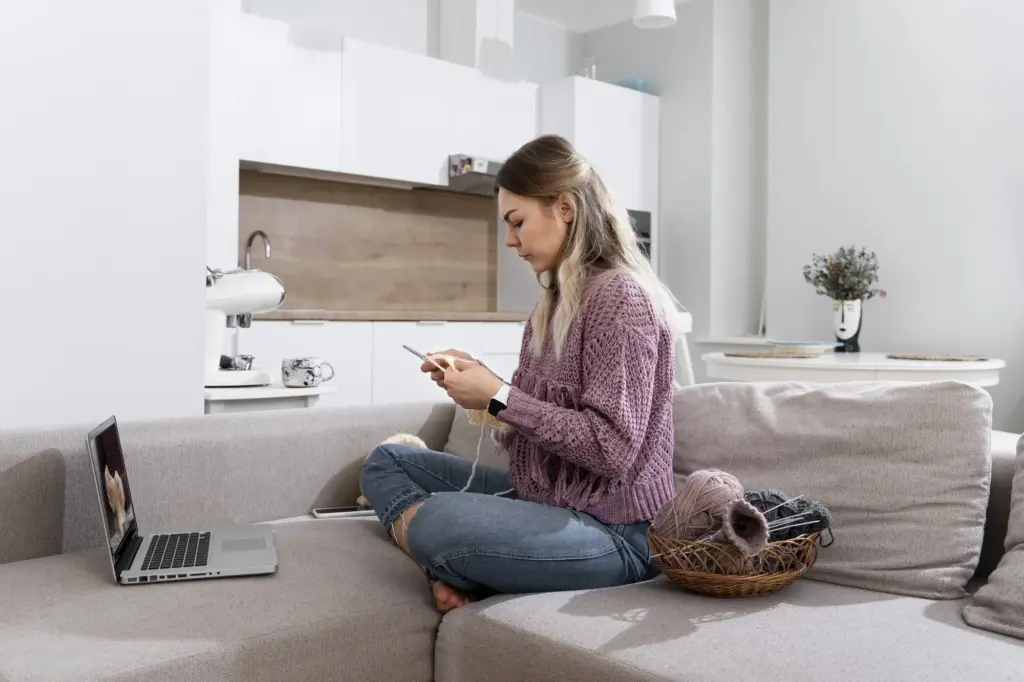
Clear a workspace, unplug devices, and read quick-start cards before peeling liners or twisting bulbs. Most budget-friendly setups require no rewiring, just patience and stable Wi‑Fi. Keep alcohol wipes, low-heat diffusers, and cable ties nearby, so projects finish tidy, reliable, and proudly renter‑reversible when moving day arrives.
Turn off the switch, let the old bulb cool, and replace it with your chosen smart LED. Power it on and follow the app’s pairing steps near your router. If discovery fails, reset the bulb sequence, then try a temporary extension cord closer.
Dry-fit the path first, avoiding tight corners that strain diodes. Clean surfaces with isopropyl alcohol, then apply in small sections, pressing firmly for several seconds. Use plastic corners, cable guides, and diffusers for polished glow. Save extra length for another project using approved connectors and ratings.

Automations That Feel Like Magic, Not Work
Start simple: sunrise, bedtime, and away schedules. Layer motion rules in hallways and bathrooms to reduce bumps and wasted power. Tie brightness to weather or naps instead of strict times. Keep overrides obvious, so guests and partners always feel in control rather than trapped by clever rules. Tell us your favorite scene in the comments to inspire others.
Design Moves for Atmosphere, Focus, and Play
Color Temperature Psychology in Practice
Use 2700K to unwind, 3000K for cozy focus, and 4000–5000K for alert tasks. Shift gradually through the evening to support melatonin. Guests often comment when counters glow softly while pasta simmers; that subtle warmth invites conversation, slows pacing, and makes late dishes strangely pleasant instead of another chore.
Layered Light in Tight Spaces
Combine a bright task lamp with a dimmable bulb across the room and a hidden strip under a shelf. Layers let you switch scenes without moving furniture. Suddenly, the same studio supports work, stretching, and dinner, all for less than one fancy designer fixture would cost.
Bias Lighting for Screens and Serenity
Place a soft, neutral strip behind your TV or monitor to reduce eye strain and raise perceived contrast. Bias light calms nighttime viewing while keeping rooms dim. A friend with migraines found evening comfort soared after adding gentle backlight, and now watches films without headaches or squinting.
Save Energy, Guard Privacy, Spend Wisely
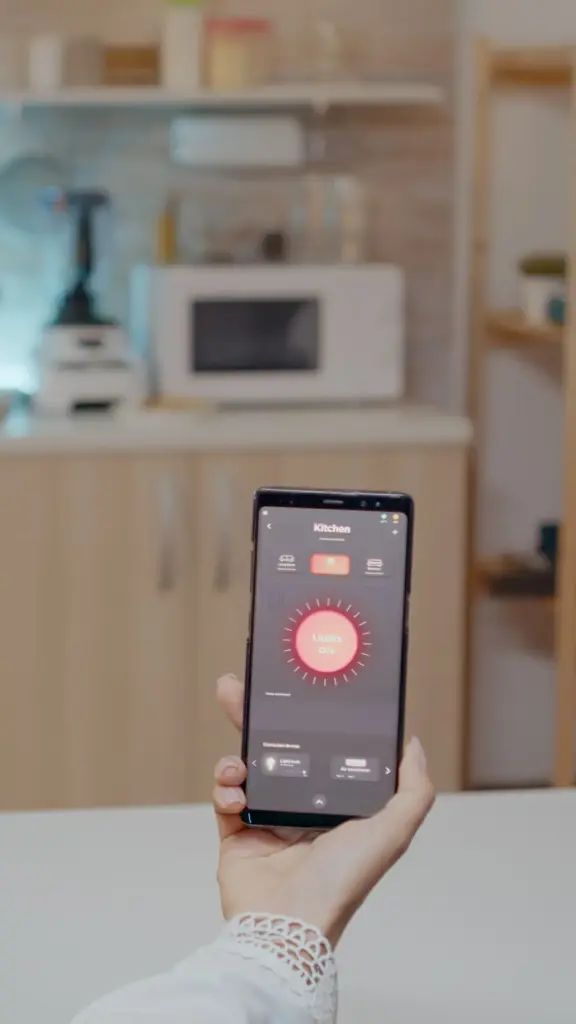
Calculate Payback with Real Numbers
Multiply bulb wattage by hours used and your electricity rate to estimate monthly cost. Replace a 60W incandescent with an 8W LED and dim thoughtfully; savings add up. Track usage for a week, then celebrate the difference, maybe redirecting those dollars to your next fun upgrade.
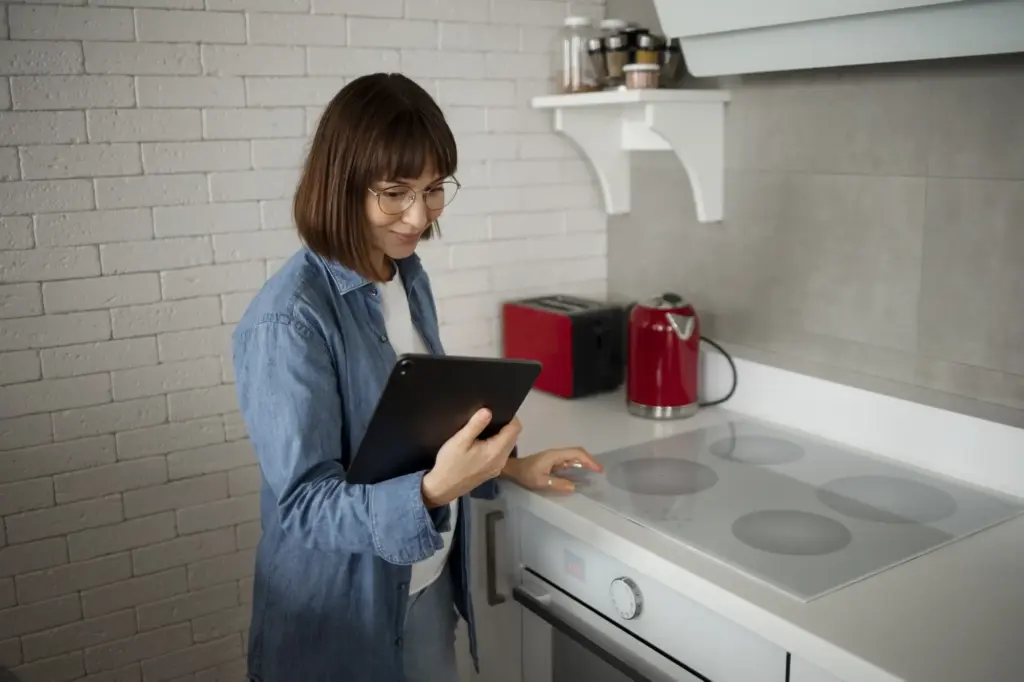
Local Control, Accounts, and Updates
Prefer devices that work locally after setup, allowing internet outages without dark rooms. Create unique passwords, enable two-factor authentication, and schedule firmware updates during daytime. Skipping dubious cloud features reduces risk significantly while retaining convenience, especially when guests, kids, or renters rely on simple, always-available wall switches.

Troubleshoot Wi‑Fi and Interference Fast
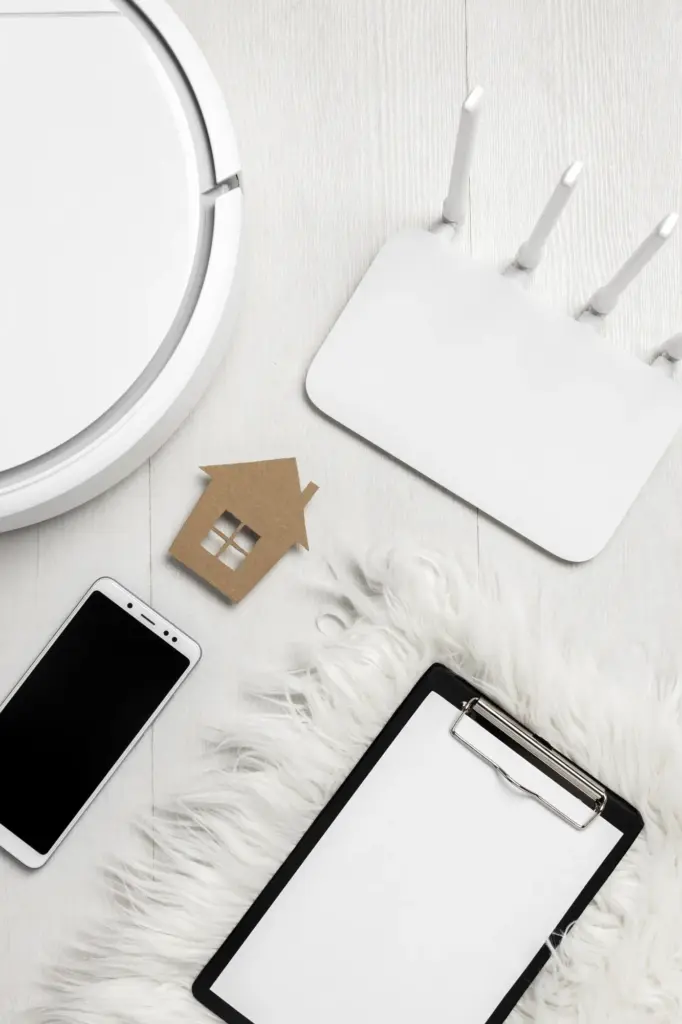
Many budget smart bulbs prefer 2.4GHz networks. Give that band a simple name, keep channels uncrowded, and place routers away from microwaves and mirrors. If pairing stalls, temporarily move closer or disable 5GHz. Document fixes in notes, saving future-you from repeating the same confusing dance.

All Rights Reserved.